
A whole GPU server to yourself.
Delivered as bare metal.
You get a whole server with the GPUs physically installed — for one customer only. No GPU is shared. GPU memory and compute specs are listed for every tier — there is no number you have to request a quote to see.
10 GPU tiers
The GPU model, number of cards and total GPU memory are all listed. It is a monthly rental; we do not offer hourly or daily terms — the server is dedicated to you alone, so the monthly fee is the same even while it is powered off.
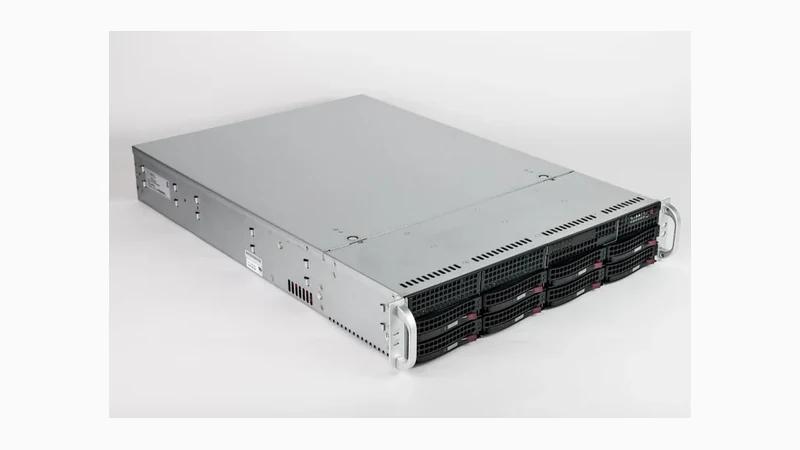
AI-T1
Tesla T4GPU memory16GBPerformance1.2/104vCPU · RAM 30GB · SSD 25GB
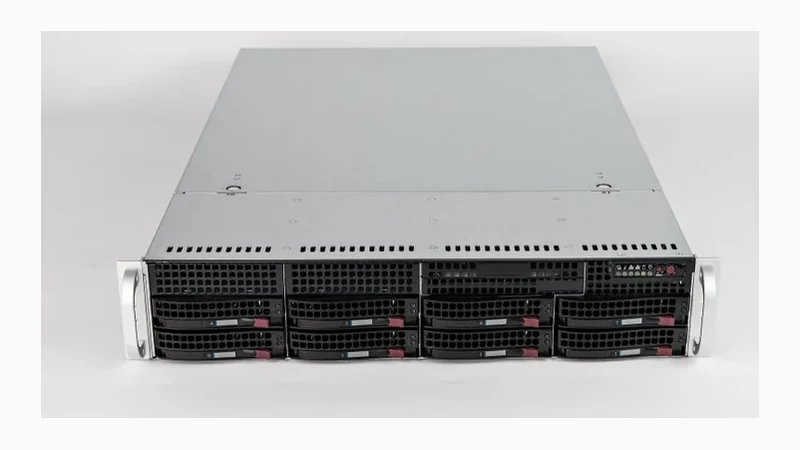
AI-W1
Radeon PRO W6800GPU memory32GBPerformance2.5/106vCPU · RAM 60GB · SSD 100GB
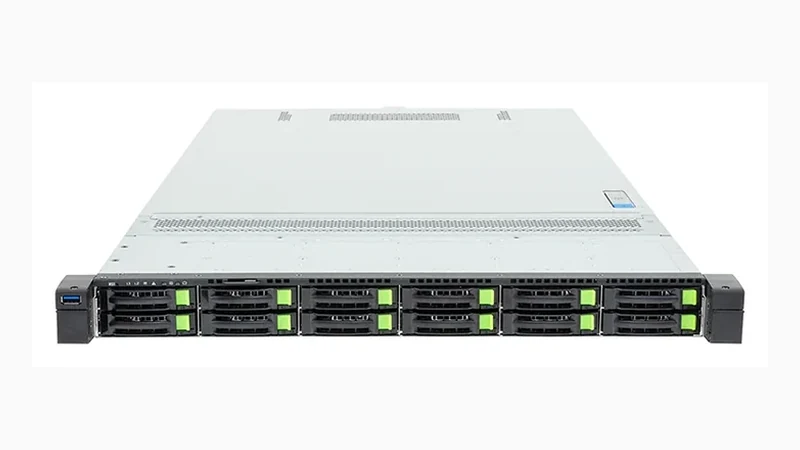
AI-A1
RTX 4000 AdaGPU memory20GBPerformance2.4/108vCPU · RAM 60GB · SSD 100GB
AI-T2
Tesla T4 ×2 cardsGPU memory32GBPerformance2.4/108vCPU · RAM 60GB · SSD 25GB
AI-W2
Radeon PRO W6800 ×2 cardsGPU memory64GBPerformance5.0/1012vCPU · RAM 120GB · SSD 100GB
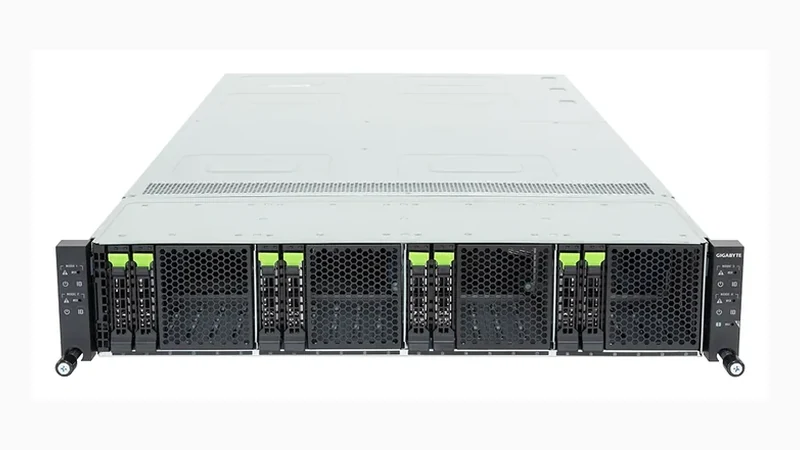
AI-R1
RTX A6000GPU memory48GBPerformance4.4/108vCPU · RAM 60GB · SSD 100GB
AI-A2
RTX 4000 Ada ×2 cardsGPU memory40GBPerformance4.9/1016vCPU · RAM 120GB · SSD 100GB
AI-W4
Radeon PRO W6800 ×4 cardsGPU memory128GBPerformance10.0/1024vCPU · RAM 240GB · SSD 100GB
AI-R2
RTX A6000 ×2 cardsGPU memory96GBPerformance8.8/1016vCPU · RAM 120GB · SSD 100GB
AI-A4
RTX 4000 Ada ×4 cardsGPU memory80GBPerformance9.8/1032vCPU · RAM 240GB · SSD 100GB
What is the card's "performance" score — compute (FP32 × card count) and total GPU memory, combined with equal weighting, scaled so the top tier is 10.0. It is our own metric, not a benchmark measurement. Use it only to compare tiers with one another. Which figure matters more depends on your use, so check the two figures separately. See Performance comparison below, where each value is shown on its own.
Monthly VAT excluded. Listed prices are based on a 12-month term, with 5% off on 24-month term · 10% off on 36-month term.
The listed specification is a minimum and what you get is that grade or better.
You can attach more storage — up to 70TB in 1TB and 10TB units, at the same price as the VM-attached storage price list.
What differs between the tiers
There are two things to check when choosing — does your model fit in the GPU memory, and how fast is it. In that order: if the model does not fit, no amount of speed will make it run.
Total GPU memory
The total of all installed GPU memory. Compare it with the memory your model requires.
This is the total across all cards. Whether the cards can be pooled depends on what your framework supports.
Compute performance (FP32 · tier total)
The spec for one GPU multiplied by the number of cards. Tiers appear in the same order as in the chart on the left.
The FP32 figure is Manufacturer's published specification (based on AMD and NVIDIA product material). Perceived performance varies with the model, framework and numeric precision.
multiplied by the card count Simple sum— actual multi-GPU performance does not scale linearly and depends on how parallel the work is.
Per-card specification: Tesla T4 8.1 TFLOPS · Radeon PRO W6800 17.8 TFLOPS · RTX 4000 Ada 26.7 TFLOPS · RTX A6000 38.7 TFLOPS
Swipe sideways to see the remaining columns
| Tier | GPU | Card count | GPU memory | FP32 total | Performance (out of 10) | vCPU | RAM | Monthly fee |
|---|---|---|---|---|---|---|---|---|
| AI-T1 | Tesla T4 | 1 card | 16GB | 8.1 TF | 1.2 | 4 | 30GB | KRW 152,100 |
| AI-W1 | Radeon PRO W6800 | 1 card | 32GB | 17.8 TF | 2.5 | 6 | 60GB | KRW 191,835 |
| AI-A1 | RTX 4000 Ada | 1 card | 20GB | 26.7 TF | 2.4 | 8 | 60GB | KRW 223,650 |
| AI-T2 | Tesla T4 | 2 cards | 32GB | 16.2 TF | 2.4 | 8 | 60GB | KRW 304,200 |
| AI-W2 | Radeon PRO W6800 | 2 cards | 64GB | 35.6 TF | 5.0 | 12 | 120GB | KRW 383,670 |
| AI-R1 | RTX A6000 | 1 card | 48GB | 38.7 TF | 4.4 | 8 | 60GB | KRW 441,000 |
| AI-A2 | RTX 4000 Ada | 2 cards | 40GB | 53.4 TF | 4.9 | 16 | 120GB | KRW 445,500 |
| AI-W4 | Radeon PRO W6800 | 4 cards | 128GB | 71.2 TF | 10.0 | 24 | 240GB | KRW 767,340 |
| AI-R2 | RTX A6000 | 2 cards | 96GB | 77.4 TF | 8.8 | 16 | 120GB | KRW 882,000 |
| AI-A4 | RTX 4000 Ada | 4 cards | 80GB | 106.8 TF | 9.8 | 32 | 240GB | KRW 891,000 |
Prices are per month, excluding VAT. GPU memory is the total multiplied by the card count, and FP32 is likewise the total multiplied by the card count.
The score combines compute (FP32 × card count) and total GPU memory with equal weighting, scaled so the top tier is 10.0. It is our own metric, not a benchmark measurement. Use it only to compare tiers with one another.
Why bare metal
We do not divide the GPU
We do not slice it up with virtualisation and sell it. You use all the installed GPUs as they are — another customer's work does not affect your performance.
Monthly billing only
Each server is allocated to a single customer, so the monthly fee is the same even while it is powered off.
You can attach storage
Same as VM Hosting. Training data and checkpoints attach in 1TB and 10TB units, up to 70TB.
We write the numbers down
We state GPU memory as our value and the compute specification as the manufacturer's published data, keeping the two separate. You can compare them directly against your model's requirements.
Prices as of